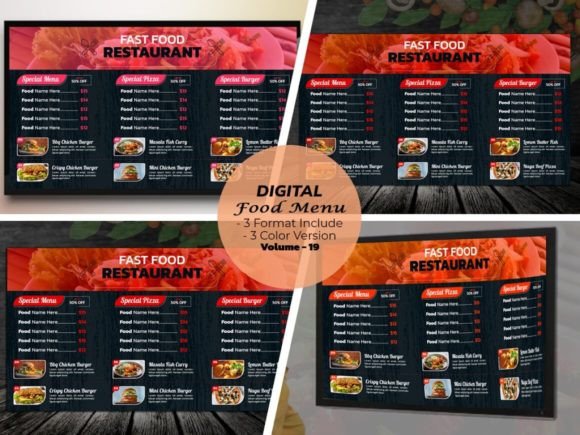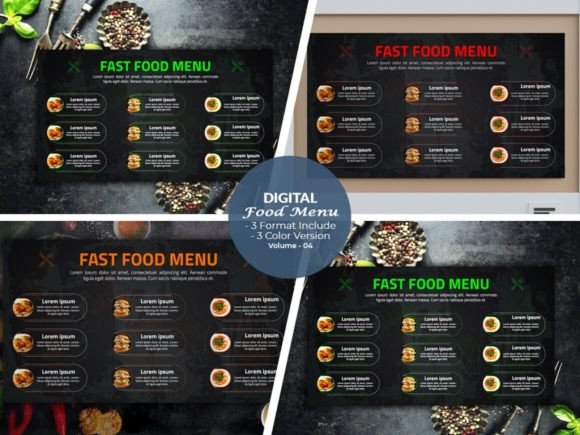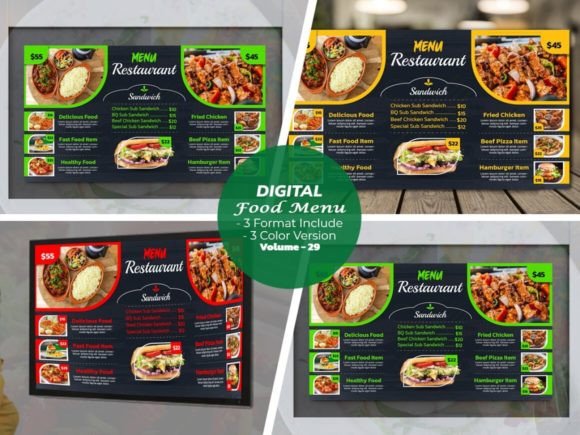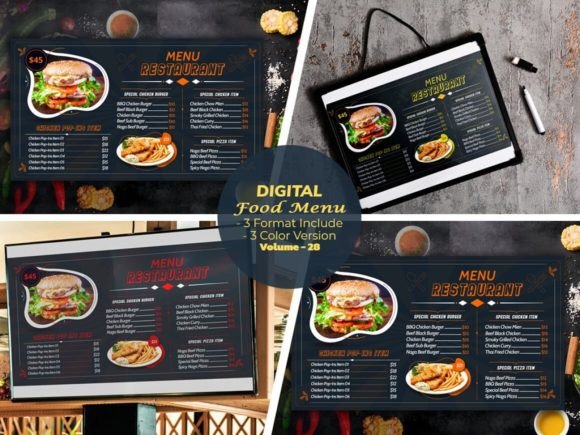
Modernize Your Menu: The Digital Food Menu Design Template V-23
There is a specific moment in the customer journey that every restaurant owner fears: the moment a guest picks up the menu and their eyes glaze over. It happens when the design feels dated, the layout is cluttered, or the navigation is confusing. In the competitive culinary landscape, your menu is not just a list of prices; it is a silent salesperson. It sets the mood, highlights your best dishes, and subtly guides the customer toward a purchase. This is where the Digital Food Menu Design Template V-23 steps in, bridging the gap between culinary art and modern graphic design.
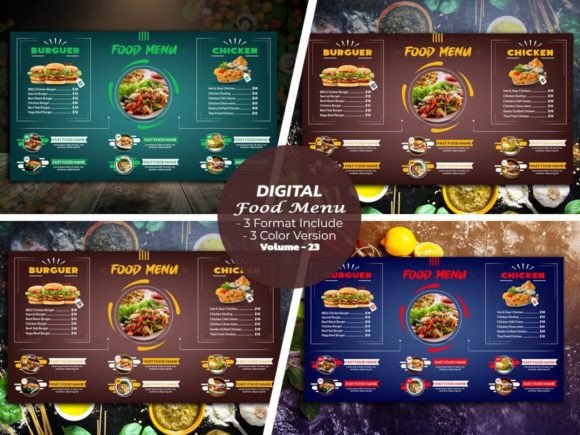
We developed this product with a singular goal: to create a digital menu for restaurant creators that feels alive. Often, templates can feel stiff or overly generic. However, V-23 was built to have an "active look." It utilizes bold typography and structured spacing to create a sense of energy without overwhelming the viewer. The visual personality of this template is confident and contemporary. It balances clean lines with enough whitespace to let the food photography breathe. Whether you are running a high-end bistro, a fast-casual cafe, or a trendy cocktail bar, the visual language here adapts to your brand’s voice rather than dictating it.
The Power of Total Customization
One of the most common frustrations with design assets is rigidity. You download a file, and while it looks great in the preview, changing the color scheme or swapping a font feels like pulling teeth. We engineered the Digital Food Menu Design Template V-23 to solve this problem entirely. The core promise here is total control. You can customize the color you want and combine elements as you wish. This isn't just about changing the background from blue to green; it is about brand identity consistency. You can match the template exactly to your corporate colors, ensuring that the digital menu on a tablet or screen feels like a seamless extension of your physical decor.
The file structure is designed for professionals and enthusiasts alike. We included fully editable Illustrator Ai files, Illustrator Eps files, and PDF files. This ensures that regardless of your preferred workflow, you have a native file to work with. For those using Adobe Illustrator, the vector-based nature of the files means you can scale elements without losing quality. Furthermore, the template comes in a standard 1920x1080 size at 300 DPI resolution. This is crucial for clarity. Whether displayed on a large wall-mounted screen or a handheld tablet, the text remains crisp and the images remain sharp. We also included a photo use link, allowing you to utilize the high-quality stock imagery seen in the previews for your initial mockups.
Visual Hierarchy and Readability in Action
A beautiful menu that is hard to read is a failed menu. The Digital Food Menu Design Template V-23 places a heavy emphasis on visual hierarchy. This is achieved through a careful selection of typography. We utilized Google Font usage to ensure accessibility and ease of use. All font links are included in the download, meaning you don't need to hunt for obscure premium font licenses. The typeface choices were made to balance style with legibility. The headers use a bold, impactful style to grab attention, while the body copy is optimized for quick scanning.
When you open the file, you will notice how the layout guides the eye. It uses a grid system that separates categories logically. This structure helps reduce cognitive load for your customers. They don't have to search for the appetizers; the design leads them there naturally. This is the essence of good modern typography—it facilitates communication rather than hindering it. The "active look" we mentioned earlier comes from this dynamic flow. It feels energetic and organized, which subtly communicates that your kitchen is efficient and your service is attentive.
Software Compatibility and Ease of Use
We understand that not every restaurant owner is a creative professional, and not every designer uses the exact same software version. To address this, we ensured the template is super easy to use across a wide range of Adobe Illustrator versions. The working software version is CC, but we have ensured software support for versions ranging from Cs6 up to CC2021+. This backward compatibility means you won't be forced into a software update just to edit your menu.
The layers within the files are clearly named and organized. If you want to remove a section or duplicate a category, it takes only a few clicks. This ease of use extends to the color editing process. Because the files are vector-based, you can globally change colors or adjust individual elements with precision. This flexibility is vital for small business owners and entrepreneurs who need to update their offerings seasonally or run limited-time promotions without starting from scratch.
Practical Applications Beyond the Screen
While this is marketed as a digital menu, the potential applications of the Digital Food Menu Design Template V-23 extend further. Because of the high resolution and clean layout, it works beautifully for print design as well. You can export the design to create physical menus, table tents, or promotional flyers. The consistent brand identity maintained across both digital and physical touchpoints reinforces your professionalism.
For marketers and social media graphics creators, the template serves as a fantastic base for content. You can screenshot sections of the menu to create Instagram posts or Facebook ads. The layout is already optimized for visual appeal, making your food photography pop even more. It is a versatile design asset that fits into a larger brand strategy. Whether you are a blogger writing about local dining, a publisher creating a food guide, or a crafter designing a themed party menu, the adaptability of this file is a significant advantage.
Choosing the Right Template for Your Project
Selecting a template is about fit. When evaluating the Digital Food Menu Design Template V-23, consider your establishment's atmosphere. If your brand leans toward minimalism and sophistication, the clean lines and structured layout will serve you well. If you have a more eclectic vibe, the customizable nature allows you to inject personality through color and imagery.
Here are a few practical tips for getting the most out of this product:
- Test Font Pairings: While we included Google Fonts that work perfectly together, feel free to experiment. If you already have a brand identity guide, swap the fonts to match your existing logo design and marketing materials.
- Focus on Photography: The template is designed to frame your images. High-quality food photography is essential. Ensure your images are well-lit and high-resolution to match the 300 DPI quality of the template.
- Review the Styles: The package includes 3 color versions. Review all of them. Sometimes, a color scheme you wouldn't have chosen initially might actually look better once your photos are inserted.
- Readability Check: Always do a final check on a tablet or screen similar to what your customers will use. Ensure the text size is legible from a comfortable distance.
Ultimately, the Digital Food Menu Design Template V-23 is more than just a file; it is a tool for better business. It saves you time, elevates your visual presentation, and provides the flexibility needed in a fast-paced industry. By combining an active, modern aesthetic with deep customization options, it empowers you to create a menu experience that is as memorable as the food you serve.